Skip to content

Get closer to the work.

A practical introduction to NexINT’s core workflows. Explore a guide, then bring your questions to a product walkthrough.

Request a walkthrough

Explore the workflow.

Monitor sources.Add geographic context.Connect the evidence.Write the briefing.

Workflow guides

Monitor sources.

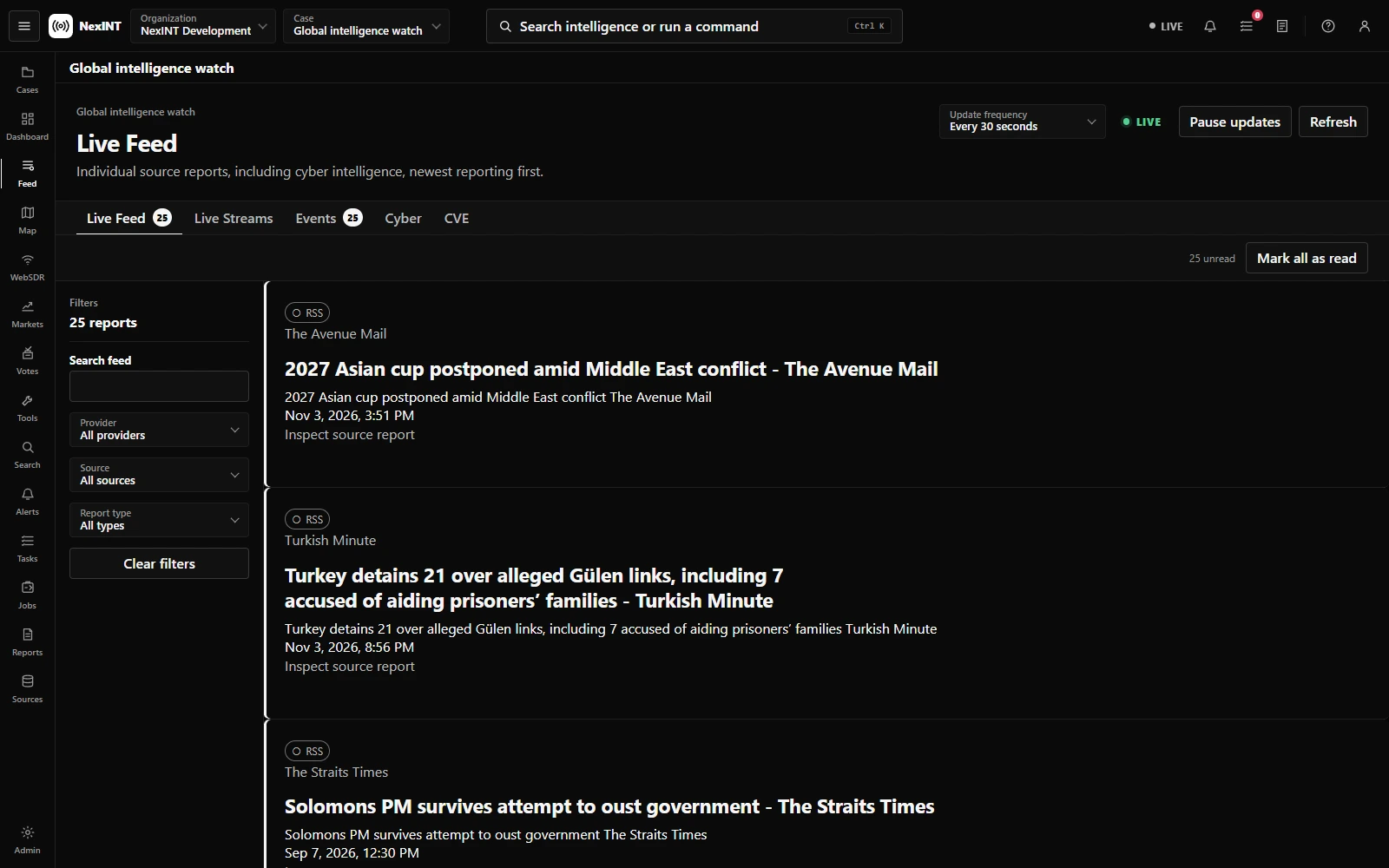
Start with a monitoring case. Define its scope, configure the relevant sources, and review incoming reporting in the live feed. Use provider and report filters to narrow the view; open the original item before using it in an assessment.
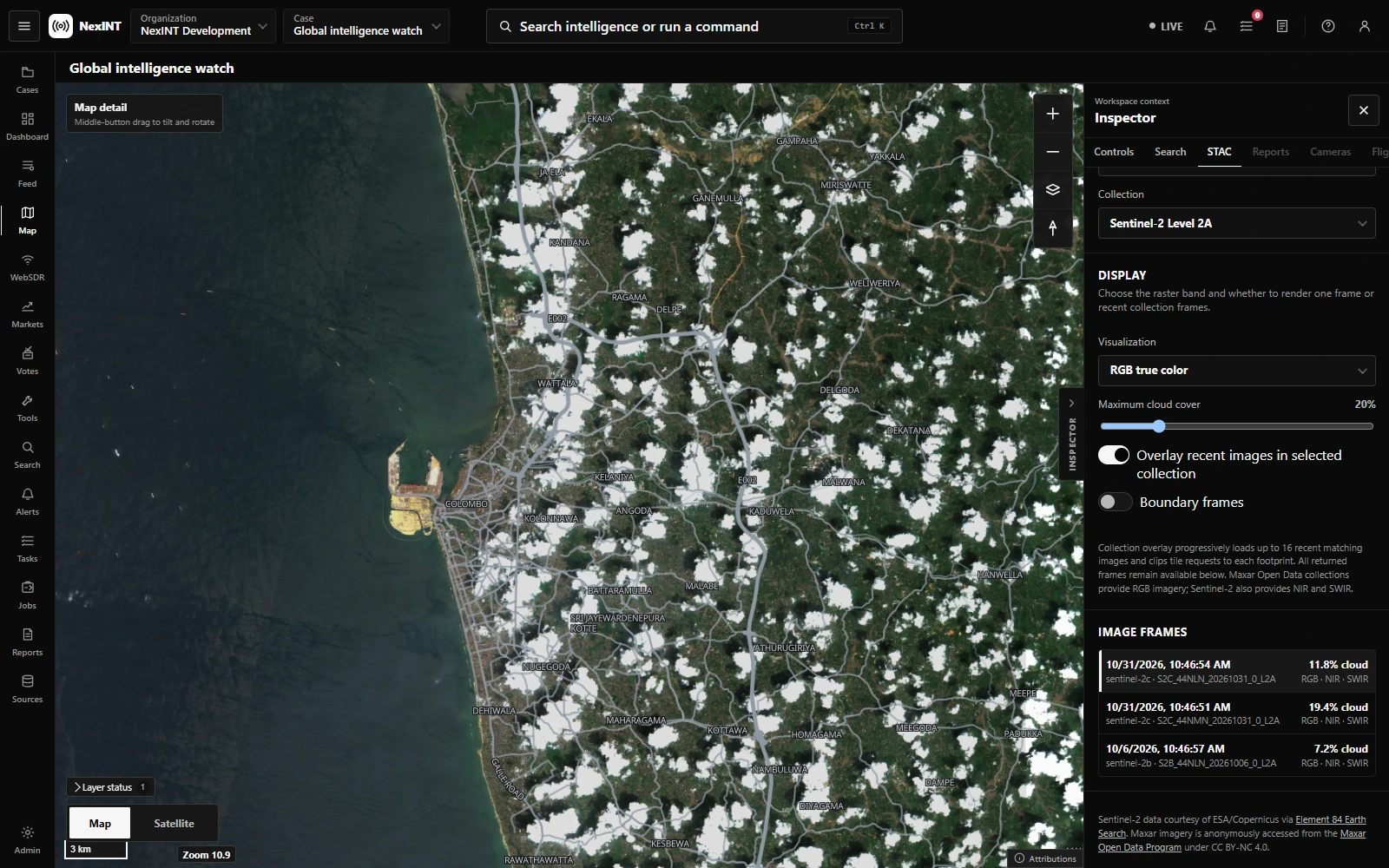
NexINT displaying real Sentinel-2 imagery over Colombo with STAC capture dates and cloud cover

Add geographic context.

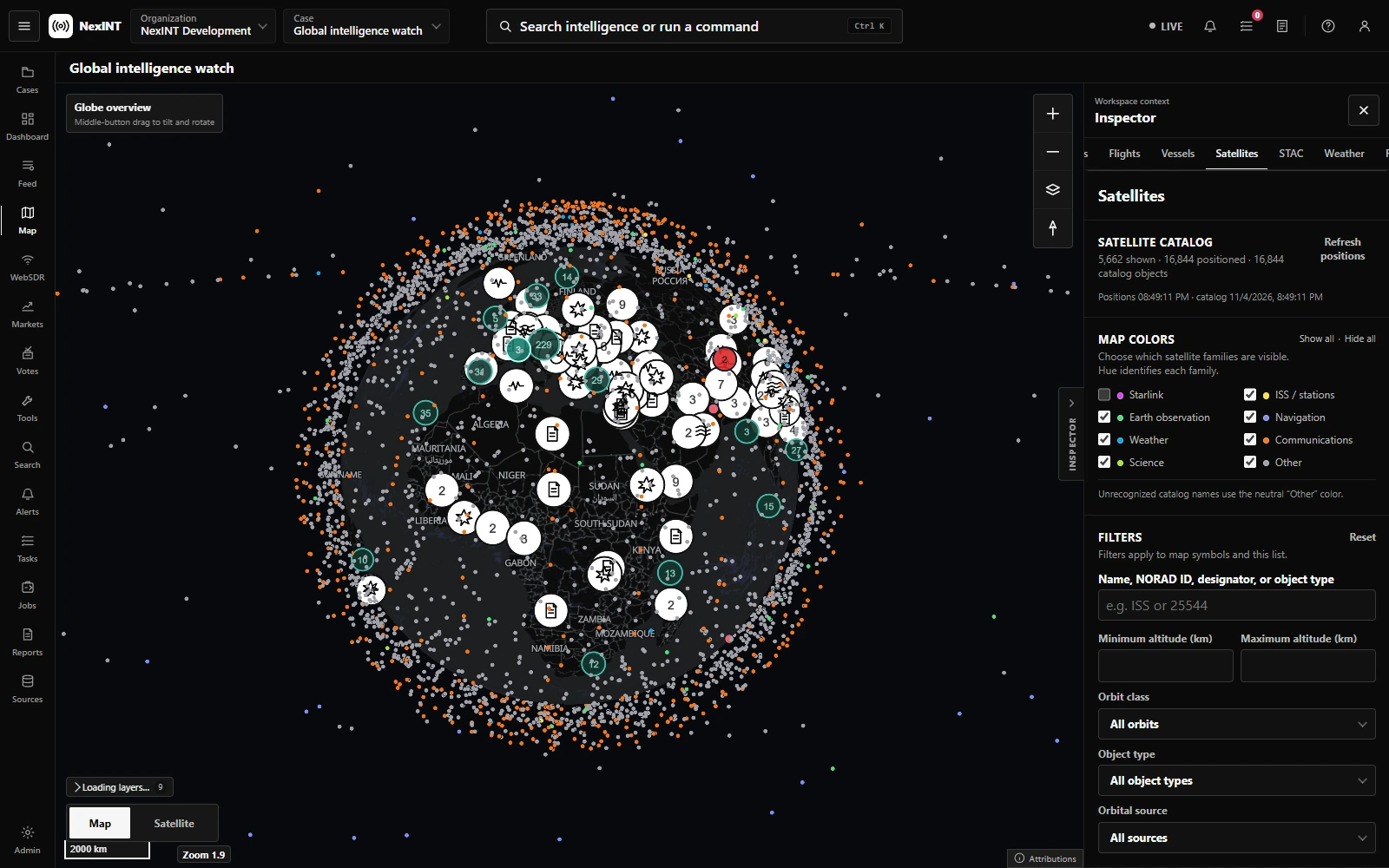
Open the map for your case. Enable the layers relevant to your question, then inspect a location alongside source reports and activity. Check provider status and timestamps: observations are only as current as their underlying data.

NexINT global intelligence case with the world map and satellite layer enabled

Connect the evidence.

Use the case board to arrange evidence and notes. Add associations that explain why items are connected, and keep analyst judgments distinct from source claims. Use follow-up tasks to track gaps that need verification.

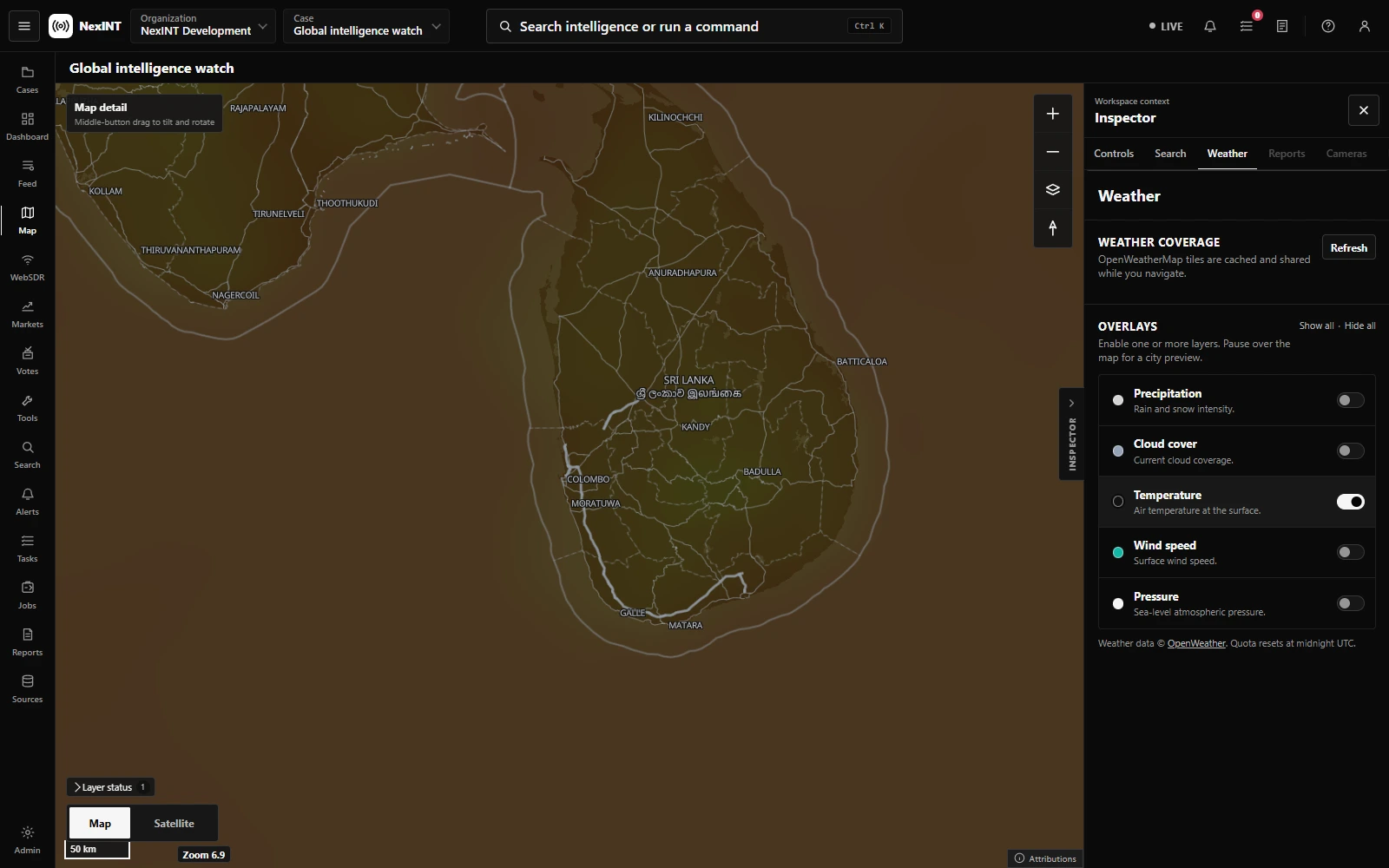
NexINT weather map showing real OpenWeather temperature data over Sri Lanka

Write the briefing.

Create a draft report from your case. Keep source citations close to the findings they support. Review the scope, dates, uncertainty, and evidence before sharing or exporting your briefing.

NexINT live feed showing source reporting with provider and report filters

See your next move.

Bring your workflow.
We’ll show you where NexINT fits.

Let’s talk